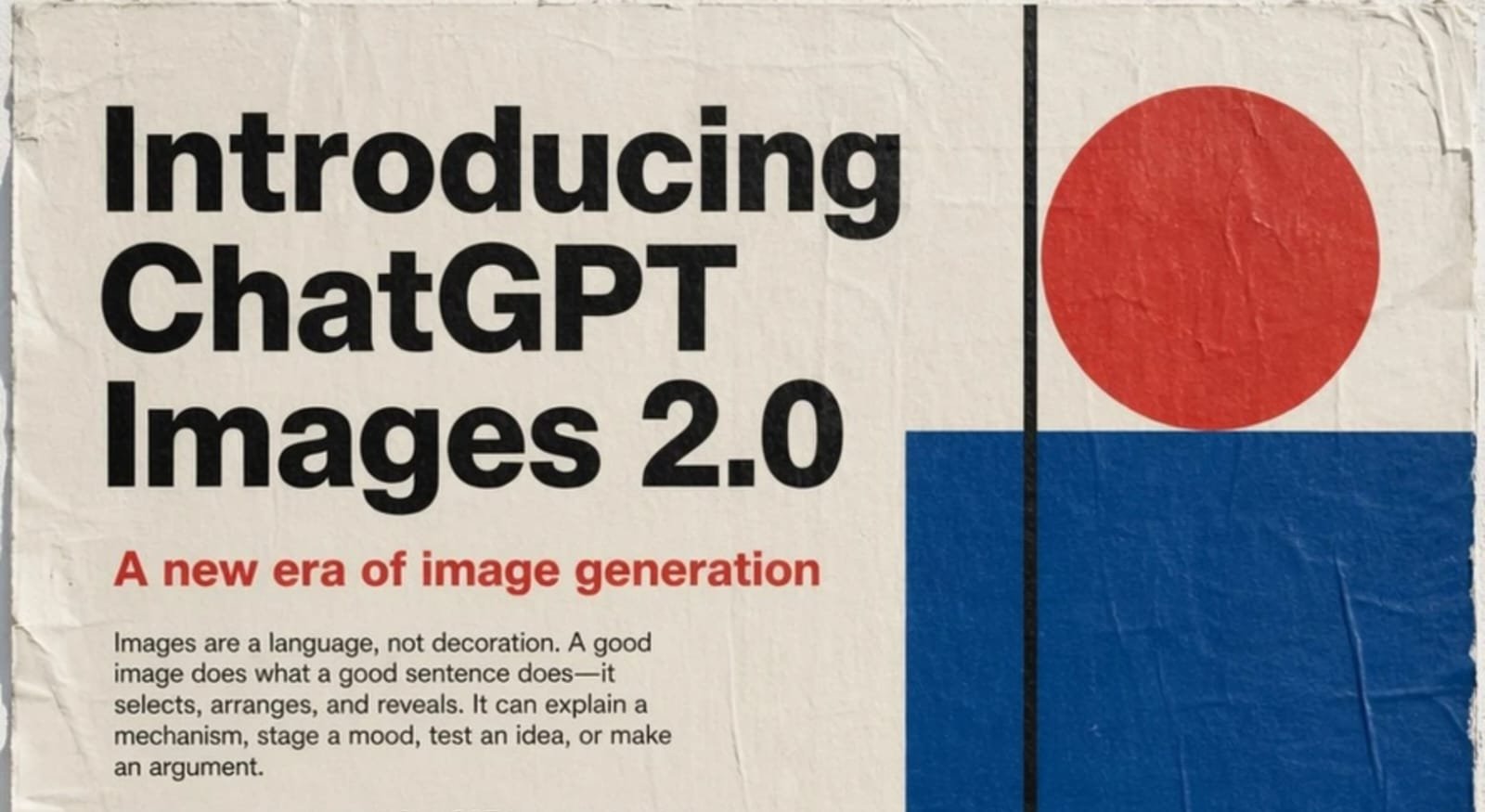

Update — September 10, 2026: OpenAI has since released ChatGPT Images 2.5, which is now the latest ChatGPT image-generation experience. Images 2.5 brings sharper details, more precise editing, better subject preservation, and faster generation than Images 2.0. This article below covers the earlier Images 2.0 release.
ChatGPT Images 2.0 model brings major image improvements. This new system creates detailed images with clearer text. It can generate multiple images from one prompt using supported image-generation modes.
Users can design posters, comics, and marketing visuals. ChatGPT Images 2.0 was available across ChatGPT plans, while additional image reasoning capabilities were available through supported paid experiences.
Key Takeaways:
- ChatGPT Images 2.0 model creates detailed images easily.
- Text rendering is clearer, especially in complex layouts.
- Images with thinking can research, plan, and generate multiple images from a single prompt.
ChatGPT Images 2.0 Model Features and Capabilities
ChatGPT Images 2.0 model adds many helpful features. It can create multiple images from a single prompt in supported image-generation modes. Users can design booklets, comics, and full posters.
The system supports different image orientations, including horizontal, square, and vertical formats.
OpenAI also introduced Images with thinking, which can use additional reasoning and tool use before generating an image. In this mode, the system can incorporate live web-search information and plan more complex image outputs.
This can make results more detailed and useful for requests that require current information or more complex visual planning.
When Images with thinking uses live web information, it can incorporate current factual context into an image request. However, generated visuals can still contain inaccuracies, so factual details should be checked when accuracy matters.
Text and Language Improvements
ChatGPT Images 2.0 model improves text rendering quality. Earlier image-generation systems often produced wrong or broken words.
Images 2.0 substantially improved text rendering, including dense text and more complex layouts.
Menus and posters can look more realistic and usable. Text inside designed visuals is generally more consistent than in earlier image-generation systems.
The model can generate text in multiple languages, although text quality and spelling can vary depending on the language and complexity of the design.
Non-English text can still contain mistakes. Some words may appear incorrect or lose meaning, especially in dense or highly stylized layouts.
Performance and Technology
ChatGPT Images 2.0 model uses improved image-generation technology to produce more detailed and controlled outputs.
The optional Images with thinking experience gives the system additional time to reason, research, and refine how it approaches an image request before generation.
Images can include small details, icons, text, and dense design layouts.
Complex images may take a few minutes to generate depending on the request and level of detail.
Users can create multi-panel comics, posters, marketing visuals, and other structured image designs.
ChatGPT Images 2.0 itself was available across ChatGPT tiers, while Images with thinking was available on supported paid plans.
Developers could also access OpenAI image-generation models through the API, with pricing based on the selected model and usage.
The End Note
ChatGPT Images 2.0 model shows strong progress in creating detailed images with improved text quality. English text and dense layouts are generally more accurate than with earlier image-generation systems, although mistakes can still happen.
The model supports creative designs and flexible formats. It works well for posters, comics, marketing visuals, and other image-generation tasks.
OpenAI has since moved forward with newer image-generation updates, including ChatGPT Images 2.5.