
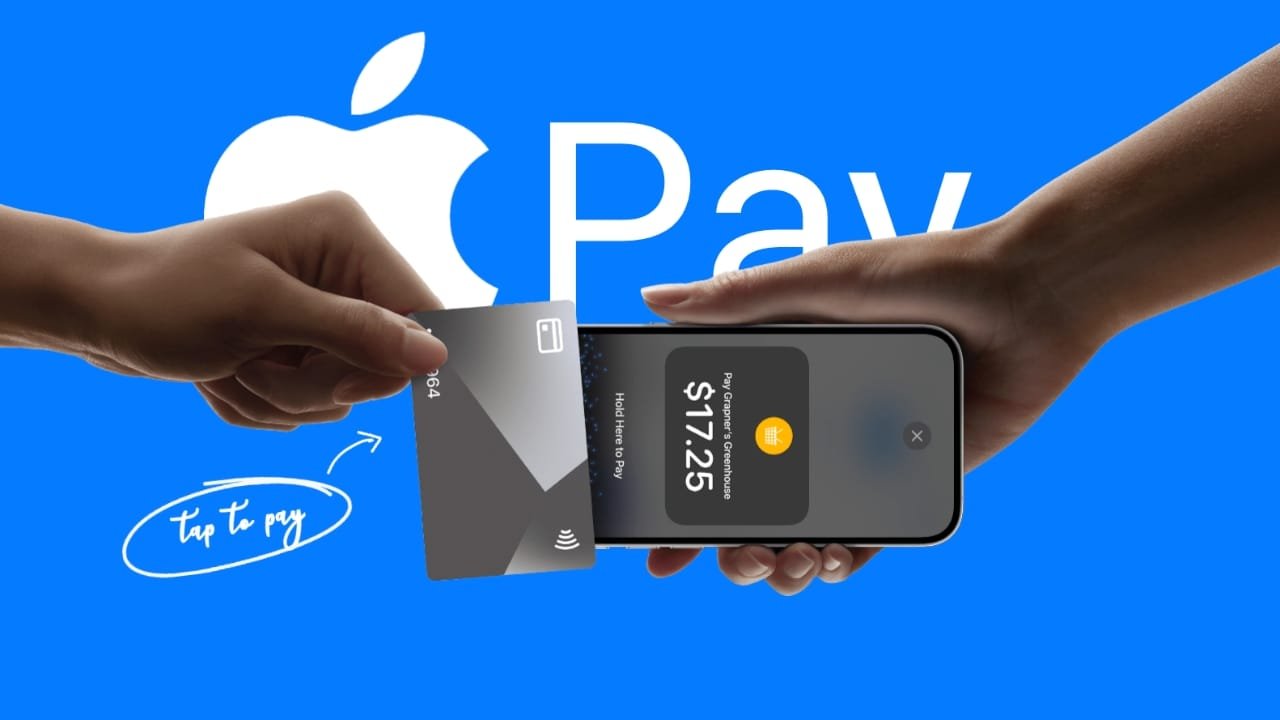

For small business owners, freelancers, and creators, accepting credit card payments traditionally meant buying or renting a bulky card reader terminal. However, Apple’s Tap to Pay on iPhone feature turns a compatible iPhone into a secure payment terminal without requiring any extra hardware.
You can accept contactless credit cards, debit cards, and digital wallets like Apple Pay or Google Pay directly on your phone. Here is a step-by-step look at how the system works and how to set it up.
What You Need Before You Start
Before you can start taking payments on your phone, you need to meet a few basic requirements:
- A Compatible iPhone: You need an iPhone XS or a newer model running a recent version of iOS.
- A Supported Payment App: Tap to Pay requires a participating payment service provider or merchant app (such as Stripe, Square, or Shopify POS) that supports the feature in your region.
- Apple ID & Security: Your device must be signed into an Apple Account with two-factor authentication enabled.
Step-by-Step: How to Accept a Payment
Once your merchant account or payment app is configured and linked, running a transaction takes just a few seconds:
- Open Your Payment App: Launch your supported point-of-sale or merchant app on your iPhone and enter the total purchase amount.
- Select Tap to Pay: Choose Tap to Pay on iPhone as your checkout method.
- Present Your Phone: Turn the screen toward your customer (or hand them the phone).
- Tap the Card or Device: The customer holds their contactless credit card horizontally at the top of your iPhone (near the NFC/contactless area) or holds their phone/smartwatch near the top.
- Wait for Confirmation: Hold the card or device in place for a second until you see the success checkmark on the screen indicating the payment is complete.
Security and Privacy Protections
Many merchants worry about handling sensitive financial data on a personal phone. Apple builds deep system-level safeguards into the feature:
- Encrypted Data: Card data is encrypted by the hardware’s Secure Element, meaning your business app never sees or stores raw credit card numbers.
- No Extra Hardware: Because the secure transaction processing happens entirely on the iPhone’s built-in chip, you don’t have to worry about maintaining external card readers, dongles, or Bluetooth card terminals.